










01
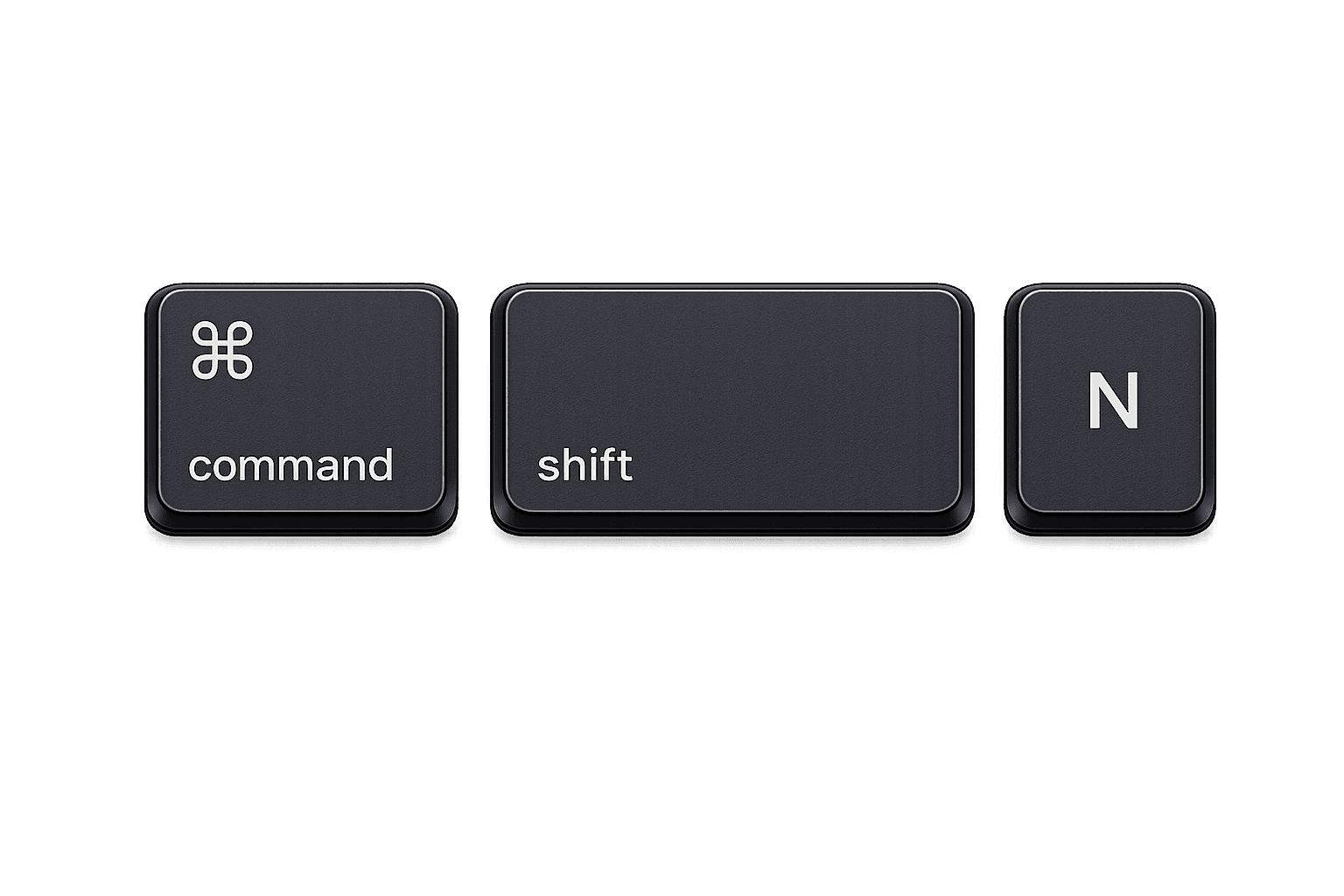
start a recording with ⌘ ⇧ n
press or hold ⌘ + ⇧ + n to start recording a conversation, and press it again to stop. it works from anywhere, so you never have to open noven first.
 Noven
Novenan ai that keeps your context so you dont get embarrassed in meetings 👅
features
press or hold ⌘ + ⇧ + n to start recording a conversation, and press it again to stop. it works from anywhere, so you never have to open noven first.
once you start recording, the recording indicator shows up on your screen. drag it and put it anywhere you like.
once you stop recording your conversation, the whole summary and context of your conversation gets stored in context.
your context gets divided into conversations, commitments, decisions, questions, topics and people, so you always know where to look.
write specific notes and documents so everything you need is in one place, and so noven has more context to work with.
group your conversations, commitments, and notes into folders, so you can find what you need easily.
chat with noven ai about anything in your context, and pull what you need back out easily.
founders
we are two young cracked builders. all we ever wanted was to build something really cool. as we grew in our careers we realised how much context matters. context is the thing that keeps you from getting embarrassed in a meet, or helps you aura farm on the meet frr.
we just want to build the coolest software that stores everything you know and helps you build on top of it, without needing to write notes like most platforms (you know who 😉). we are so pumped to build the next gen of software and help you save your relationships with context.
Abhinav & Umang
Founders of Noven

questions
a meeting intelligence app for macos. hit a hotkey, record a conversation, and get decisions, commitments, questions, topics and people you can actually search and chase.
press ⌘ ⇧ n from anywhere. press it again to stop. you never have to open the app first.
nope. when you hit the hotkey, noven keeps the transcript, not the recording. audio is never stored with us.
conversations, commitments, decisions, unanswered questions, topics and people. every item cites the transcript line it came from.
yes. drop notes and documents next to what got captured, and group anything into folders.
yep. chat with noven about your own context and pull answers out with evidence, not vibes from the model.
macos 14.0 or later.
yes. you can edit or delete your data whenever you want. you're in control.